Why Use InstaSnap for Photos?
Save Photos & Carousels (Albums)
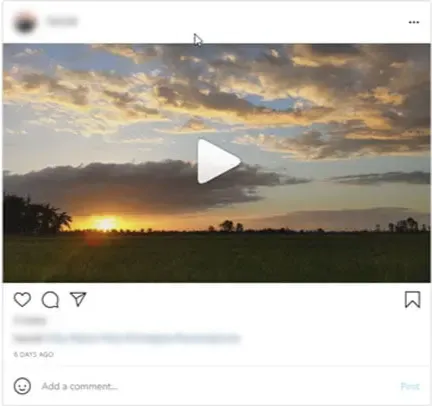
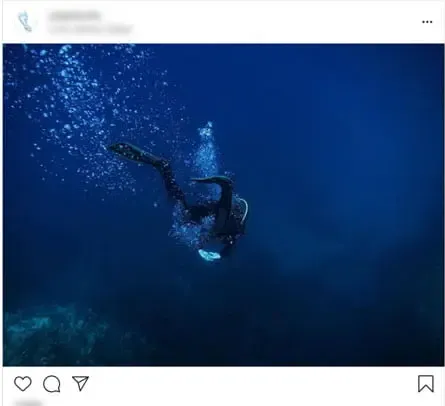
Most tools only download the first image. InstaSnap is different. We support Instagram Carousel Downloading, meaning you can save multiple photos from a single post. Whether it's a travel album or a fashion dump, download all images in one go.
Better Than Screenshots
Taking a screenshot reduces quality and adds clutter to your screen. Our Instagram Image Saver fetches the Original Resolution (1080x1350) file directly from Instagram's CDN. Get crisp, clear images perfect for reposting or setting as wallpapers.
All-in-One Downloader
Need more than just photos? Use our tool to download Instagram Reels and Videos as well. We are a complete solution for saving content from Instagram, ensuring you never lose your favorite moments.
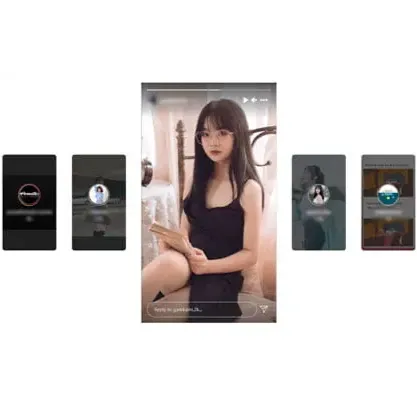
Instagram Story Saver
Looking to save a photo from a Story? Our Story Downloader extracts images from stories before they disappear. Save memories from friends or influencers securely and anonymously.
Frequently Asked Questions
An Instagram video downloader tool allows you to download videos from Instagram to your device for offline viewing.
Downloading videos from Instagram for personal use is generally allowed, but sharing or using them for commercial purposes without permission may violate copyright laws and Instagram's terms of service.
No, you don't need an Instagram account to use the video downloader tool. You just need the URL of the video you want to download.
No, the tool can only download videos from public Instagram accounts. Videos from private accounts are not accessible.
The tool typically supports common video formats such as MP4. Check the tool's specifications for more details.
There is usually no limit to the number of videos you can download, but some tools might have usage restrictions or require a subscription for unlimited downloads.
Copy the URL of the Instagram video you want to download, paste it into the tool's input field, and click the download button. The video will be saved to your device.
Yes, most Instagram video downloader tools are compatible with smartphones and tablets. They can be accessed via a web browser or a dedicated app.
Many Instagram video downloader tools are free to use, but some may offer premium features that require payment.
It is generally safe to use, but make sure to use a reputable tool to avoid malware and ensure your privacy. Avoid tools that ask for unnecessary permissions or personal information.
How to Download Instagram Photos?
Note: We support single photos, carousels (multiple photos), and public posts.
Step 01: Copy Photo Link
Open the Instagram post you want to save. Click the three dots at the top right and tap "Copy Link".
Step 02: Paste URL
Paste the link into the box above on InstaSnap.
Step 03: Download Image
Click "Download". You will see a preview of the photo(s). Click "Save" to download the HD image to your device.